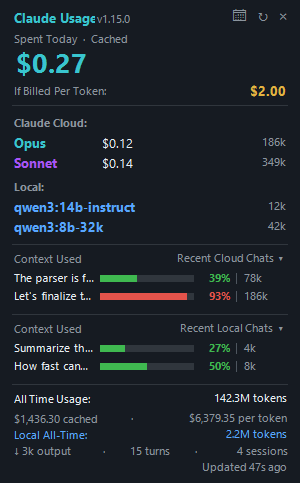
The Claude PC Widget is a small always-on-top panel for Windows that shows what your Claude Code usage has cost today, summed across every session you have run since midnight. The total only climbs through the day and resets each morning, so nothing jumps around when you switch chats - it reads the same transcript files Claude Code already writes to your machine. No account, nothing to configure, and it makes no network connection of its own.
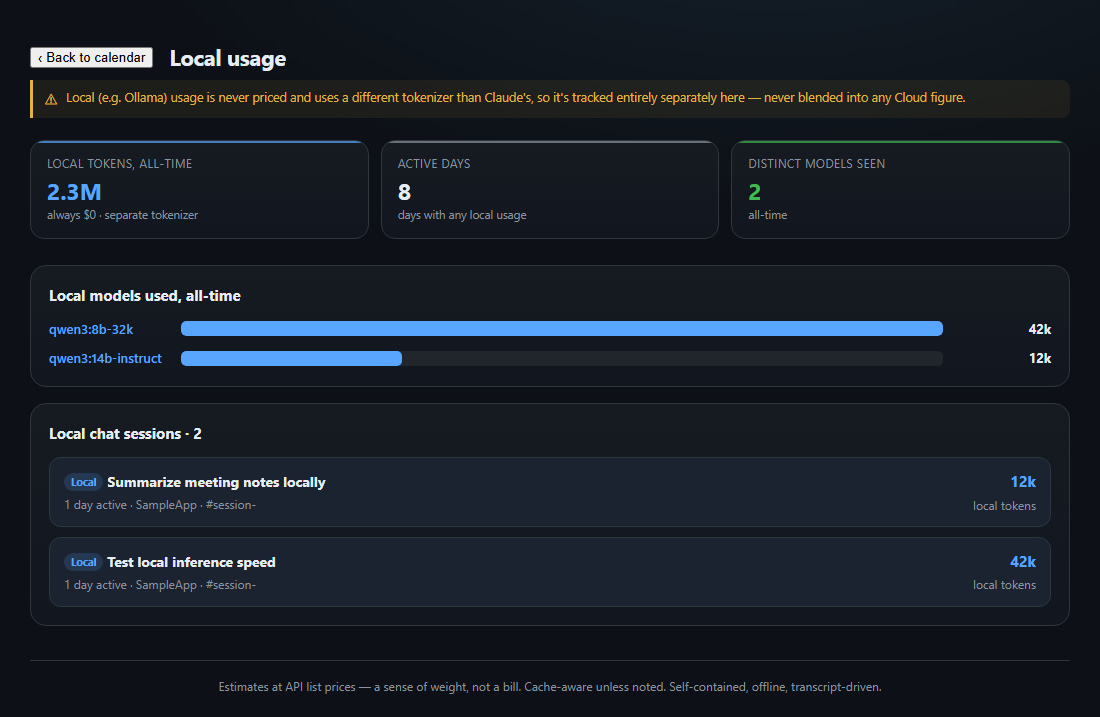
Two numbers sit at the top: a cache-aware estimate of what today would actually cost on the API, and the raw per-token sticker price next to it. Below that is one row per model you used today - Claude Cloud (Opus, Sonnet, Haiku, Fable) and, tracked separately with its own total, any local model like Ollama. Under that, a live list of your most-recent chats, each with a bar for how full its context window is right now, so you can see which conversation is about to run out of room before it does.
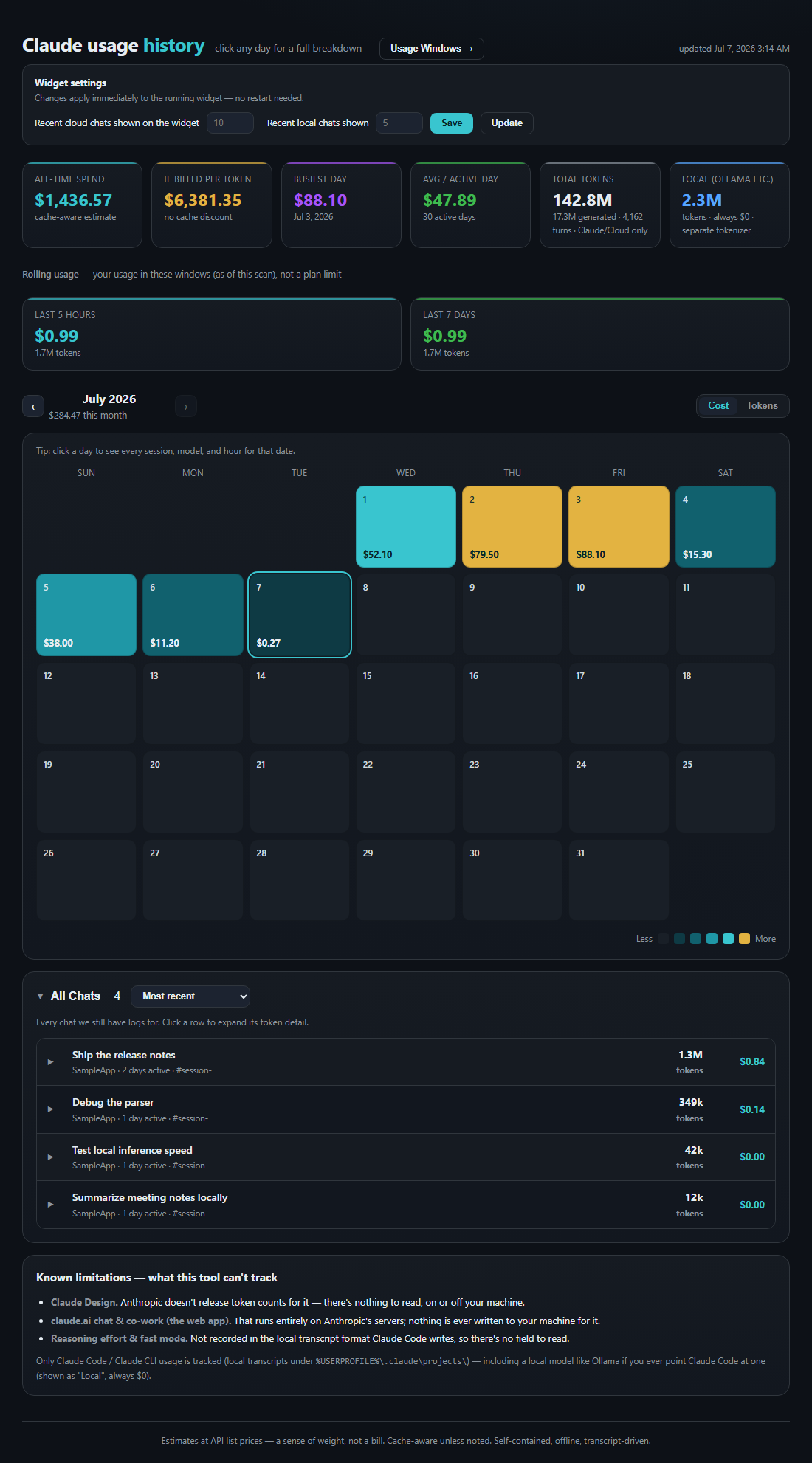
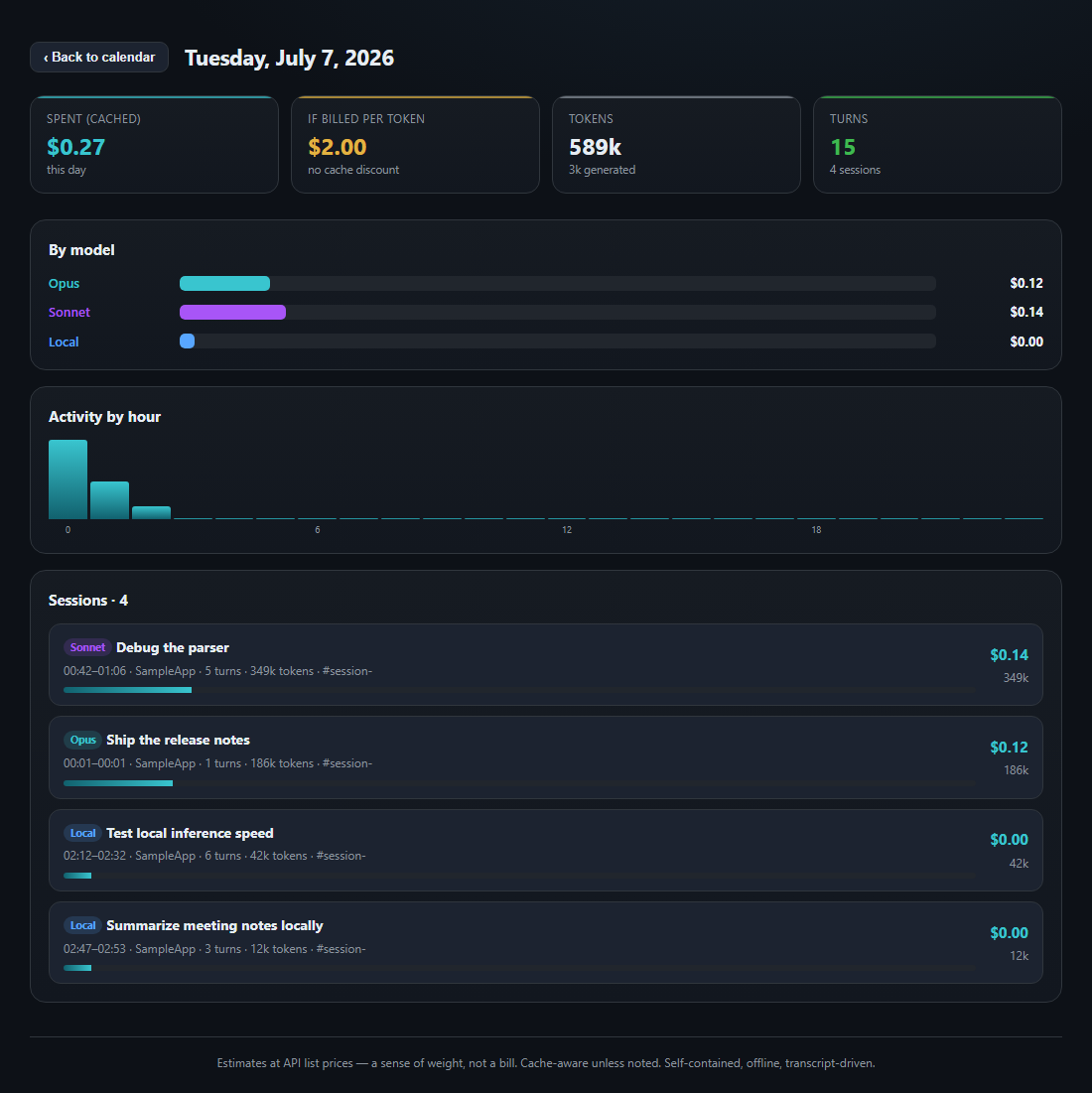
Click the calendar button on the widget and it opens a full usage history in your browser: a heat-mapped month grid, all-time totals, rolling 5-hour/7-day windows, and a click-through breakdown of any day - by model, by hour, and by individual chat session. The widget and the calendar read the same saved history, so your history survives even after Claude Code prunes old transcripts. (This is an independent tool, not made or endorsed by Anthropic.)
What it does
Install
- Download the zip and unzip it wherever you'll keep it.
- Double-click Install.cmd - it copies the widget into place, unblocks it (so Windows won't nag on every launch), and offers a Desktop and Start Menu shortcut.
- The panel appears on your desktop, always on top. Drag it wherever you want; it remembers the spot.
Screenshots